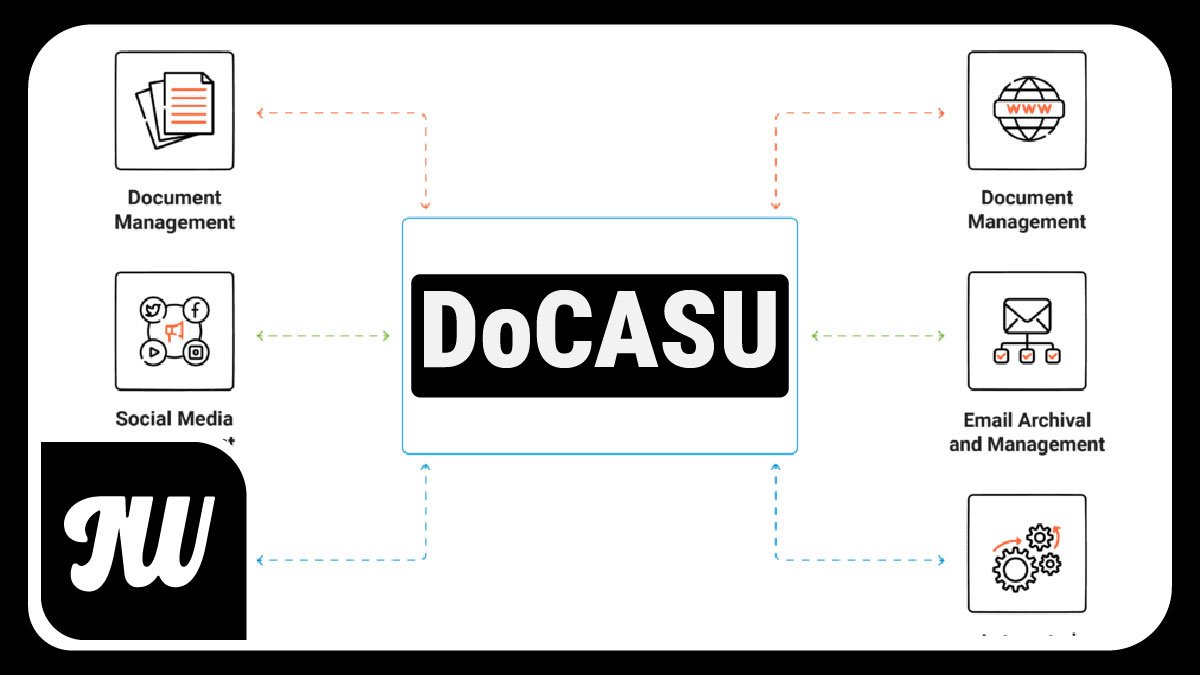
Managing documents at work can feel difficult. Large systems with many buttons and options can confuse regular users. That is exactly the problem DoCASU was created to solve.
In this article, you will learn what DoCASU is, how it works, why it was built, and who it is for. No technical background needed this guide is written for everyone.
What Does DoCASU Mean?
DoCASU stands for Document Access for Casual Users. The name already tells you its purpose it is a tool made for everyday users, not just IT experts or system administrators.
It was created by Optaros, a technology company, and released as a free, open-source project. You can use it, change it, and share it without paying anything.
What Is Alfresco And Why Does DoCASU Need It?
Before understanding DoCASU, it helps to know a little about Alfresco.
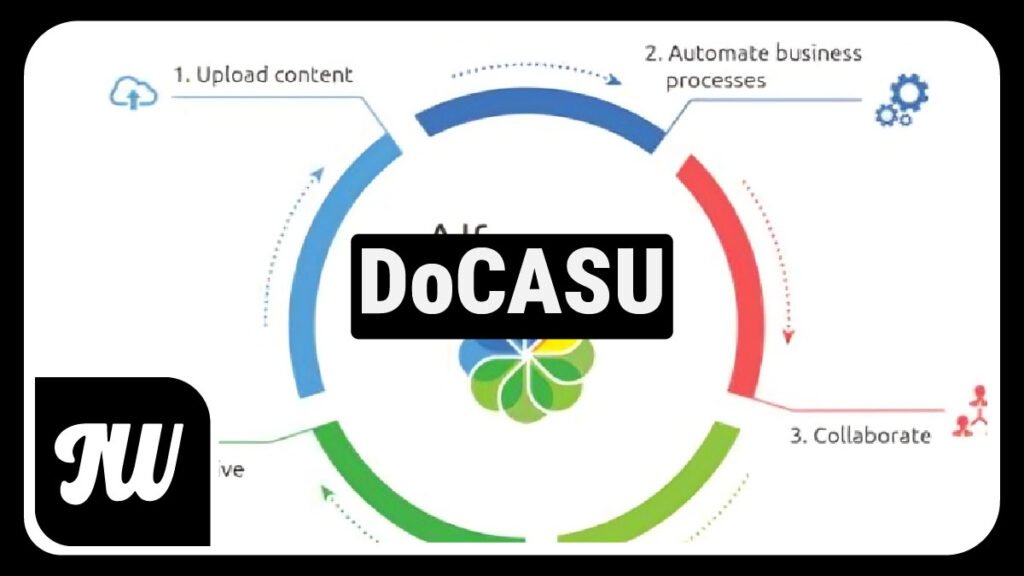
Alfresco is a powerful open-source platform for Enterprise Content Management (ECM). In simple words, it helps companies store, organize, share, and manage their documents in one safe place. It supports document storage, version control, workflow automation, and records management.
Alfresco is a great system but it was built for a wide range of users, from basic employees to advanced administrators. This means it has many features, and sometimes the interface can feel too complex for someone who just needs to find and share a file.
That is where DoCASU comes in.
What Is DoCASU And What Does It Do?
DoCASU is a custom user interface (UI) built on top of Alfresco. Think of it like a simpler “window” into the same powerful system underneath.
It was built using REST (web scripts) and Ext JS, a JavaScript library. This makes it fast, modern, and easy to use in a web browser without needing to install any extra software.
Here is what DoCASU allows users to do:
- Browse folders on the left side of the screen, just like a regular file explorer
- View and open documents with a single click
- Right-click files to get options quickly
- Check in and check out documents so two people don’t edit the same file at the same time
- Search for documents easily
- See document details like metadata, version history, and download links
- Add shortcuts to folders they use often
- Manage categories to keep things organized
All of this happens through a clean, simple interface that most users can learn quickly.
Why Was DoCASU Created?
The original Alfresco interface was designed for power users, people who manage the system or use it deeply every day. But many real users in a company just need basic things: find a document, read it, share it, or upload a new version.
Optaros listened to these users and noticed the gap. Their goal was to build an interface that:
- Focuses on user experience easy, fast, and clear
- Targets average employees, not just tech-savvy users
- Encourages more people to actually use the document system
This is important because many companies invest in good document systems, but employees avoid them because they feel too complicated. DoCASU helps solve this problem.
How Is DoCASU Different from the Normal Alfresco Interface?
The standard Alfresco interface gives access to everything all tools, settings, and advanced options. This is great for administrators but can be too much for regular users.
DoCASU does not replace Alfresco. It sits on top of Alfresco and gives a simpler view. Users get only what they need nothing more, nothing less.
It is a bit like comparing a full car dashboard to a simple electric bike display. Both help you move forward, but one is much easier to understand.
Who Should Use DoCASU?
DoCASU is best for:
- Office workers who need to find and share documents regularly
- Teams that use Alfresco but find it hard to navigate
- Organizations that want more staff to use their document system
- Developers who want to learn how to build custom Alfresco interfaces
It is free to use, so any organization already using Alfresco can add DoCASU without extra cost.
Is DoCASU Still Relevant Today?
DoCASU was first released around 2008. The world of technology has changed a lot since then. Alfresco itself has grown and is now part of Hyland, a larger content services company.
However, DoCASU remains an important example of how open-source communities solve real problems. It showed that a simpler interface could make a big difference in how people use complex systems. Many modern content management platforms have followed this same idea keeping the powerful features in the background while showing users only what they need.
For developers and students learning about Alfresco and ECM architecture, DoCASU is still a valuable and interesting project to study.
Final Thoughts
DoCASU is a small but smart idea. It takes a powerful, complex document management system and gives regular users a friendly door to walk through. It is free, open-source, and built with real user needs in mind.
If your team struggles to use Alfresco, or if you want to understand how custom interfaces are built for ECM platforms, DoCASU is worth knowing about.
Frequently Asked Questions (FAQs)
1. What does DoCASU stand for?
DoCASU stands for Document Access for Casual Users.
2. Is DoCASU free to use?
Yes. DoCASU is a free and open-source project. Anyone can download and use it at no cost.
3. Does DoCASU replace Alfresco?
No. DoCASU works on top of Alfresco. It is a simpler interface, not a replacement for the system.
4. Who made DoCASU?
It was created by a company called Optaros and released as an open-source project for the Alfresco community.
5. What technology is DoCASU built with?
DoCASU is built using REST web scripts and the Ext JS JavaScript library.
6. Can regular employees use DoCASU without training?
Yes. DoCASU was designed specifically for everyday users who need simple document access without complex features.
7. Is DoCASU still being used today?
DoCASU is an older project, but it remains a useful learning resource and a solid example of custom Alfresco UI development.
8. Where can I find DoCASU?
DoCASU was originally hosted at docasu.sourceforge.net and docasu.org as an open-source project.
For More Information Visit Newswiki